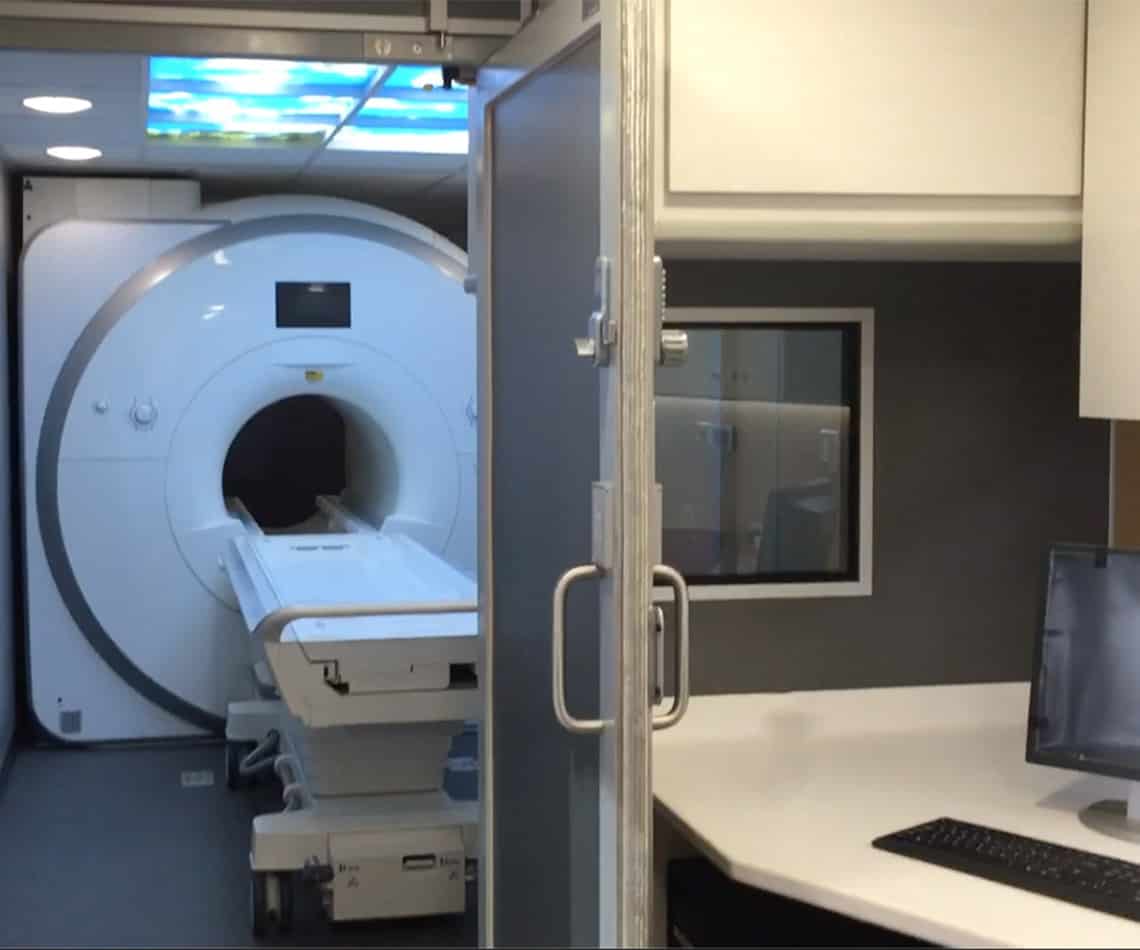
When It Comes to Your MRI System, What Is – End of Life
Jun 3, 2021
There will always come a time when buying a new MRI system is necessary. A good way to go about this is through consulting an...

Apr 15, 2020 | Tech Tips, General Imaging, Siemens
In this tip, Kevin covers the WLAN settings feature within Siemens syngo software. Need help understanding Siemens syngo software? Consider enrolling in our Intro to Siemens syngo online training course.
Today, I’m going to show you how to check your WLAN (wireless LAN) settings prior to performing any replacement or service work on a Siemens AXIOM or Ysio room that uses a portable detector.
1. Open the Service Platform
2. Navigate to Component Adjustment
3. Select WLAN Settings
1. Record Your Current Configuration
2. Restore Settings Easily
Have questions about this tip or any of our other Tech Tips? Please contact us and we will be happy to help you!
Questions, Comments, Concerns?
When It Comes to Your MRI System, What Is – End of Life
Jun 3, 2021
There will always come a time when buying a new MRI system is necessary. A good way to go about this is through consulting an...

Preventative Maintenance Checks on Power Distribution Fans
Aug 11, 2020
In this tip, Joe Sam, our Technical Engineer and Imaging Trainer, is here to talk about an important PM check when servicing CT system. Checking...

Torquing the Overhead Ceiling Bolts
Jul 14, 2020
In this tech tip, Matt covers a simple yet important step when performing preventative maintenance on your X-Ray system. Torquing the overhead bolts is extremely...
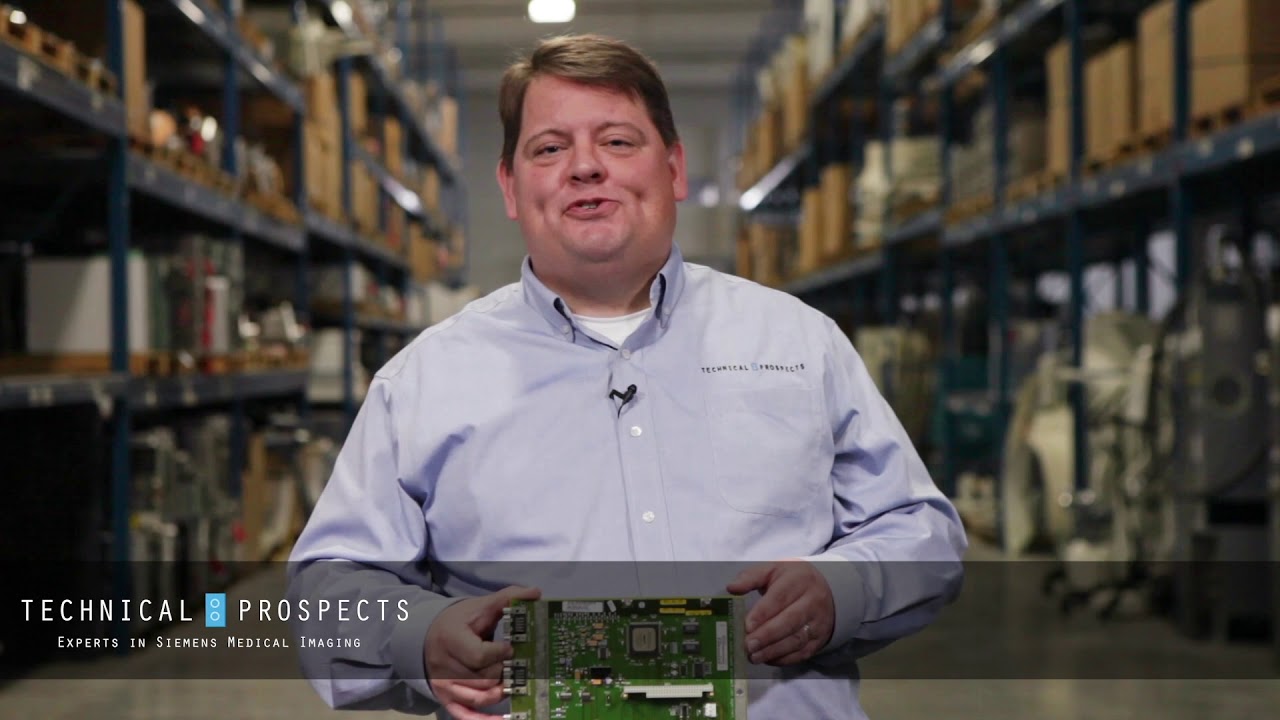
Apr 21, 2020
In this video, Matt helps to show proper Siemens imaging part number identification. This is very important when looking to replace a part with DirectMed...
Transporting a Detector Cooling Unit
Aug 14, 2019
In this tip Kevin covers the proper way to transport a detector cooling unit on your Siemens system in order to avoid an expensive mess....
Missing Service Packs and Functional Packs
Apr 17, 2019
In this tip we cover how to know if you are missing service packs or functional packs after a software reload or after restoring an...
Apr 3, 2019
In this tip we cover when you may need to go into uncontrolled mode and how to safely go into that mode as well. Uncontrolled...
Park Position for Overhead Tube Assembly
Feb 13, 2019
In this tip, we cover the park position for the overhead tube assembly on systems such as Siemens Luminos systems. When you have a question...
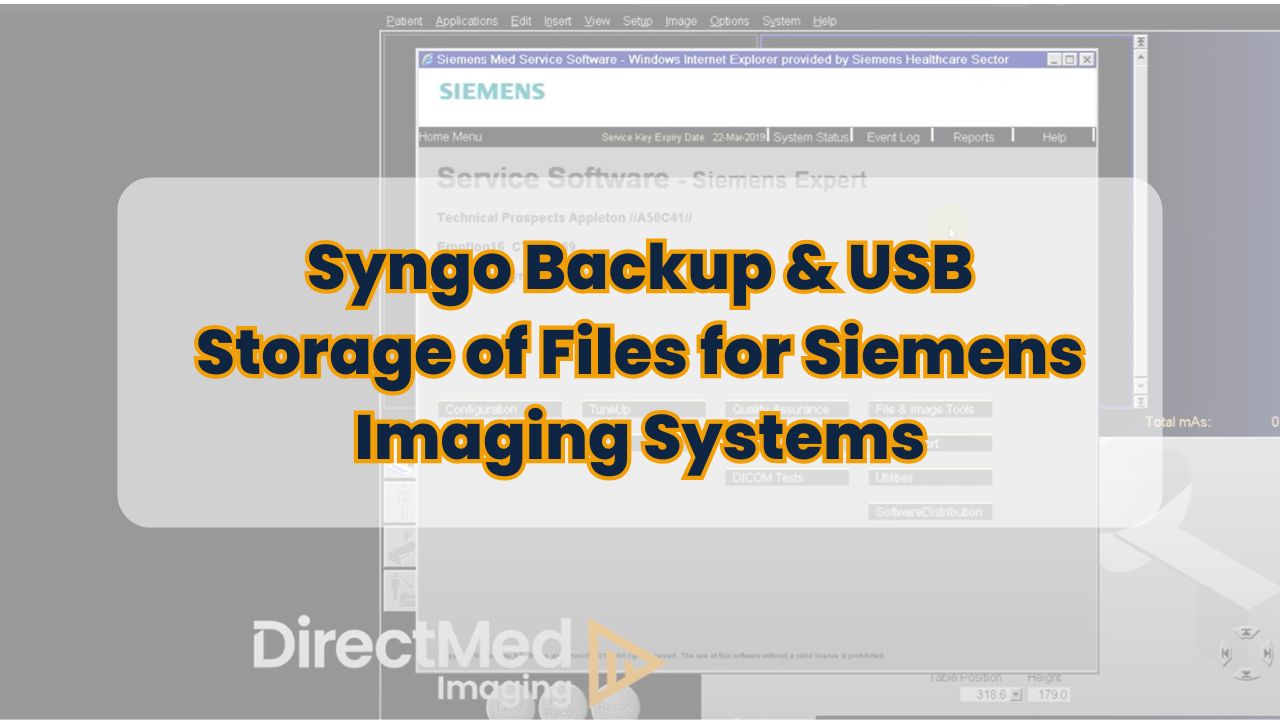
Syngo Backup & USB Storage of Files
Nov 15, 2018
In this Tech Tip, Ken covers how to do a system backup in Siemens syngo and also covers USB storage of files. When you have...
Storage of Service Jumpers and Terminators
Oct 17, 2018
Ken has a great simple, yet sometimes overlooked tip on where to store your Jumpers and Terminators so they are easy to find when you...